Replace AirTag Battery: Expert Tips for Easy Replacement
Apple AirTags are remarkable tracking devices that help you locate your keys, wallet, luggage, and other valuables with ease. However, like all battery-powered devices, your AirTag will eventually need a battery replacement. The good news is that changing an AirTag battery is one of the simplest maintenance tasks you can perform at home, requiring no special tools or technical expertise. This comprehensive guide will walk you through everything you need to know about replacing your AirTag battery, from identifying when it’s time for a change to executing the replacement with confidence.
Whether you’re a tech-savvy DIYer or someone who prefers to handle basic device maintenance independently, understanding how to change the battery on your AirTag will save you time and money. Unlike many modern electronics that require professional servicing, Apple designed AirTags with user replacements in mind. In this article, we’ll cover the step-by-step process, best practices, and troubleshooting tips to ensure your AirTag continues working optimally.
When to Replace Your AirTag Battery
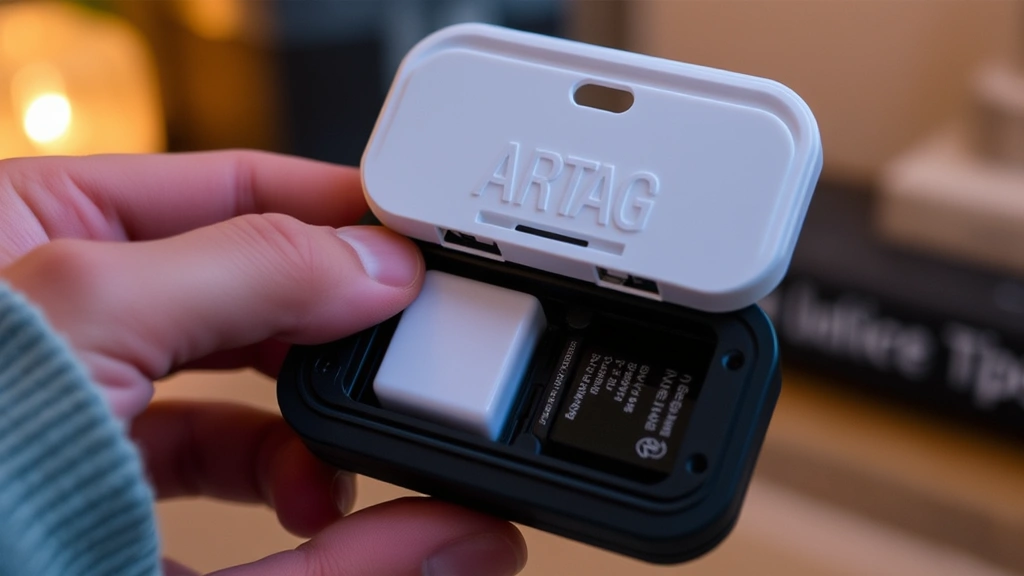
Your iPhone or iPad will send you a notification when your AirTag battery is running low, making it easy to know when replacement time has arrived. The notification typically appears when the battery has approximately one month of remaining life left. You can also manually check your AirTag’s battery status by opening the Find My app on your Apple device and selecting the AirTag in question. The battery percentage will display in the device details.
Most AirTag batteries last approximately one year under normal usage conditions. However, battery longevity depends on several factors, including how frequently you use the Find My app to locate your AirTag and the specific environmental conditions where you keep it. If you use your AirTag daily to track a frequently-moved item, you might notice the battery drains faster than expected. Conversely, if your AirTag primarily sits in a stationary location, the battery may last longer than the typical one-year estimate.
Don’t wait until your AirTag completely dies before replacing the battery. Allowing the battery to fully deplete can occasionally cause connection issues or require a reset. As soon as you receive the low battery notification or see a red battery indicator in the Find My app, plan to replace the battery within the next week or two. This proactive approach ensures your AirTag remains functional and ready to help you locate your belongings at a moment’s notice.
What You’ll Need for the Replacement
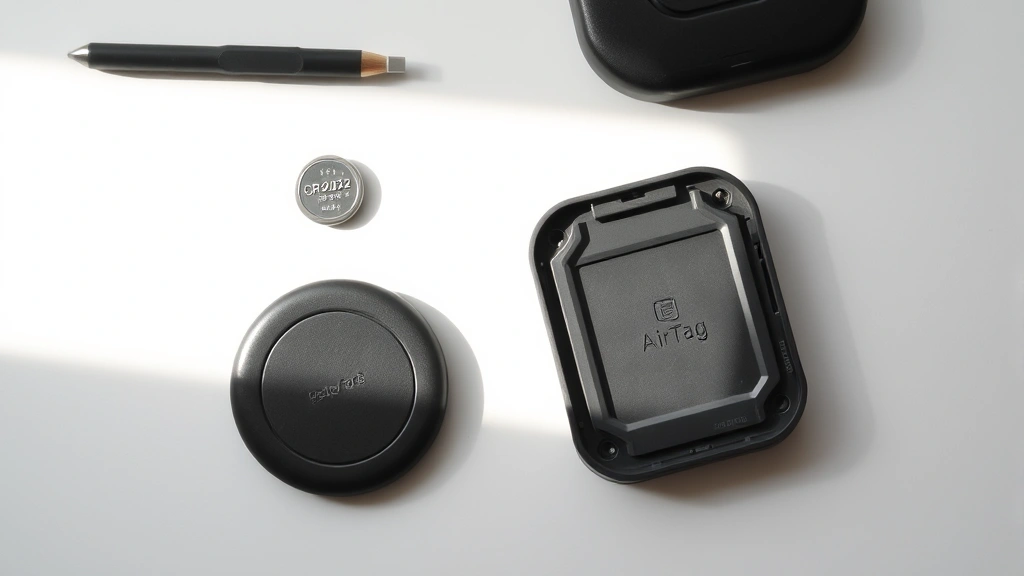
The beauty of AirTag battery replacement lies in its simplicity. You don’t need an elaborate toolkit or specialized equipment like you might for DIY car repairs. In fact, you likely already have everything you need in your home. Here’s what you should gather before starting the replacement process:
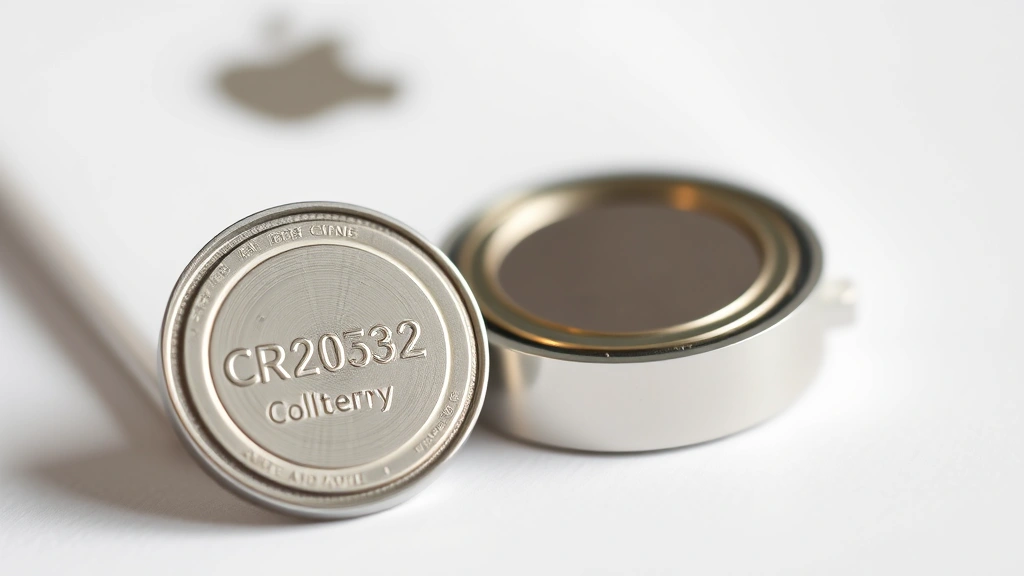
- One CR2032 battery – This is a standard coin cell battery available at virtually any pharmacy, grocery store, electronics retailer, or online marketplace. Make sure you purchase a high-quality battery from a reputable manufacturer for optimal performance and longevity.
- Your AirTag – Obviously, you’ll need the device itself. Make sure it’s clean and free from any debris before beginning.
- A flat surface – You’ll want a clean, well-lit workspace where you can comfortably work without risk of dropping small components.
- Good lighting – Proper illumination helps you see the battery compartment clearly and ensures you insert the new battery correctly.
Unlike replacing a battery in a Subaru key fob, you won’t need screwdrivers, prying tools, or other implements. The AirTag’s design is intentionally user-friendly, with a simple twist-and-pop mechanism that requires only your hands to operate. This design philosophy reflects Apple’s commitment to making device maintenance accessible to everyone, regardless of technical skill level.
Step-by-Step Battery Replacement Guide
Now that you’ve gathered your materials and understand when replacement is necessary, let’s walk through the actual process. This straightforward procedure takes less than five minutes from start to finish:
- Locate the battery compartment – Hold your AirTag in your hand with the polished stainless steel side facing down. You’ll notice a small notch or indentation on the back. This is where you’ll apply pressure to open the battery compartment.
- Apply gentle pressure – Using your thumb or fingernail, press firmly on the notched area. You should feel the back plate begin to shift. Don’t force it; gentle, steady pressure is all that’s needed. The mechanism is designed to respond to moderate thumb pressure.
- Rotate and lift – While maintaining pressure on the notch, rotate the back plate slightly counterclockwise. After a quarter turn, you should be able to lift the plate away from the main body. Set this white plastic cover aside in a safe location where it won’t get lost.
- Remove the old battery – Once the cover is off, you’ll see the CR2032 battery sitting in the compartment. It’s typically held loosely in place, so it should come out easily when you lift it. If it seems stuck, try tilting the AirTag slightly to let gravity help dislodge it.
- Insert the new battery – Take your fresh CR2032 battery and note the orientation. The positive side (marked with a plus sign) should face upward toward you. Gently place the new battery into the compartment, ensuring it sits flat and secure.
- Replace the cover – Position the white plastic cover back over the battery compartment. Press down and rotate clockwise until you feel a slight click or resistance. The cover should sit flush with the AirTag body when properly seated.
- Verify the replacement – Open the Find My app on your iPhone or iPad and check that your AirTag is recognized and showing a full battery indicator. You should see the battery percentage displayed as 100% or showing a full battery icon.
If your AirTag doesn’t immediately appear in the Find My app after battery replacement, don’t panic. Sometimes the device needs a few moments to reconnect. Wait approximately 30 seconds and then refresh the app. If it still doesn’t appear, try moving closer to your iPhone to strengthen the Bluetooth connection.
Troubleshooting Common Issues
While AirTag battery replacement is typically straightforward, you might encounter occasional hiccups. Here are solutions to the most common problems:
Battery not recognized after replacement: If your AirTag doesn’t show a full battery after you’ve installed a new CR2032, the battery might be inserted backward. Remove the cover and check that the positive side faces upward. Also verify you’re using a genuine CR2032 battery and not a similar-looking alternative battery type. Some counterfeit or lower-quality batteries may not function properly with Apple devices.
Back cover won’t close properly: If the white plastic cover doesn’t sit flush or seems misaligned, remove it and check that the battery is positioned correctly. The battery must sit completely flat in the compartment for the cover to close properly. Also inspect the cover and compartment edges for any debris or damage that might prevent proper seating.
AirTag still shows low battery after replacement: This occasionally happens if the app hasn’t updated its cache. Try closing the Find My app completely and reopening it. If the issue persists, restart your iPhone or iPad. In rare cases, you might need to remove and re-add the AirTag in the Find My app, though this is seldom necessary.
Difficulty opening the back plate: If you’re having trouble applying enough pressure to open the compartment, try these alternatives: use a coin to apply more leverage on the notch, ensure your fingers are dry for better grip, or try pressing from slightly different angles around the notch. Some people find it easier to apply pressure with the edge of a fingernail rather than the flat of the thumb.
Similar to how you’d approach changing a tire on a car, patience and proper technique matter more than brute force. Take your time and use gentle, deliberate movements rather than aggressive force.
Battery Care and Maintenance Tips
Extending your AirTag battery life involves understanding how usage patterns affect power consumption. The Find My app communicates with your AirTag through Bluetooth and occasionally through the broader Find My network. Each communication event uses a small amount of power. If you frequently check your AirTag’s location or if it moves between different locations regularly, the battery will drain faster than if it remains stationary.
Store your AirTag in moderate temperature environments when possible. Extreme heat and extreme cold both accelerate battery drain. If you use your AirTag in an outdoor setting during winter months, expect slightly shorter battery life than the typical one-year estimate. Similarly, hot cars or sun-exposed locations can reduce battery longevity.
Purchase quality CR2032 batteries from reputable manufacturers like Energizer, Duracell, or Maxell. Avoid suspiciously cheap batteries from unknown manufacturers, as counterfeit batteries may be defective or have substantially shorter lifespans. The small price difference between quality and questionable batteries isn’t worth the hassle of premature replacement.
Consider buying spare CR2032 batteries in bulk and storing them in a cool, dry location. Having extras on hand means you can replace an AirTag battery immediately when the notification arrives, rather than waiting for a store trip. Batteries stored properly remain viable for years, so purchasing a year’s supply is practical and economical.
If you own multiple AirTags, stagger their battery replacements when possible. This prevents the scenario where multiple AirTags need replacement simultaneously. Create a simple calendar reminder when you replace each battery to track when the next replacement might be needed.
FAQ
Can I use a different battery type in my AirTag?
No, you should only use CR2032 batteries in your AirTag. Apple specifically designed the device for this battery type, and using alternatives could damage the device or create safety hazards. CR2032 batteries are widely available and inexpensive, so there’s no practical reason to seek alternatives.
Is it safe to replace the AirTag battery myself?
Yes, absolutely. The AirTag battery replacement process is designed for user maintenance and is completely safe. There are no electrical hazards, sharp components, or toxic materials involved. The CR2032 battery is a standard consumer battery used in countless devices worldwide.
How long does an AirTag battery last?
Most AirTag batteries last approximately one year under normal usage conditions. Heavy users might see battery life of 8-10 months, while light users might stretch it to 14-16 months. The Find My app will notify you when the battery is running low, typically providing about one month’s notice before complete depletion.
What should I do with the old battery?
Most communities have battery recycling programs at electronics retailers, municipal waste facilities, or through mail-back programs. Never throw batteries in regular trash, as they can harm the environment. Check Call2Recycle to find recycling options in your area.
Will replacing the battery reset my AirTag?
No, simply replacing the battery will not reset your AirTag or remove it from your Find My account. Your AirTag will maintain all its settings and connections after battery replacement. However, if you need to reset it for other reasons, you can do so through the Find My app settings.
Can I keep my old battery for later use?
You can keep old batteries if they still have charge, though they’re often depleted when you replace them. If you want to save them, store them in a cool, dry place in a sealed container. However, most people find it more practical to recycle old batteries and purchase new ones as needed.
How is replacing an AirTag battery different from other device maintenance?
Unlike adding oil to a car, AirTag battery replacement requires no special knowledge or tools. It’s one of the simplest maintenance tasks you can perform on any electronic device. Apple intentionally designed it this way to make ownership convenient and accessible.
What if my AirTag doesn’t work after battery replacement?
First, verify that the battery is inserted correctly with the positive side facing upward. Then check that you’re using an authentic CR2032 battery. If the AirTag still doesn’t function, try removing and re-adding it to the Find My app. In extremely rare cases, the device itself might be defective, in which case you should contact Apple Support for assistance.
Replacing your AirTag battery is a simple, cost-effective way to keep your tracking device functioning optimally. By following this comprehensive guide and understanding the basic maintenance requirements, you’ll ensure your AirTag continues protecting your valuables for years to come. Remember that quality batteries, proper insertion technique, and timely replacement when notifications appear will maximize your device’s reliability and performance. Whether you’re tracking keys, luggage, or other important items, a well-maintained AirTag with a fresh battery is an invaluable tool in your daily life.


